Restaurant Feedback Wall
Collect friendly feedback from diners on one wall. Put a QR code on the table or receipt and guests leave a quick note, photo, or voice message. No app and no sign-up to post.
Create Your WallRestaurant Feedback Wall examples
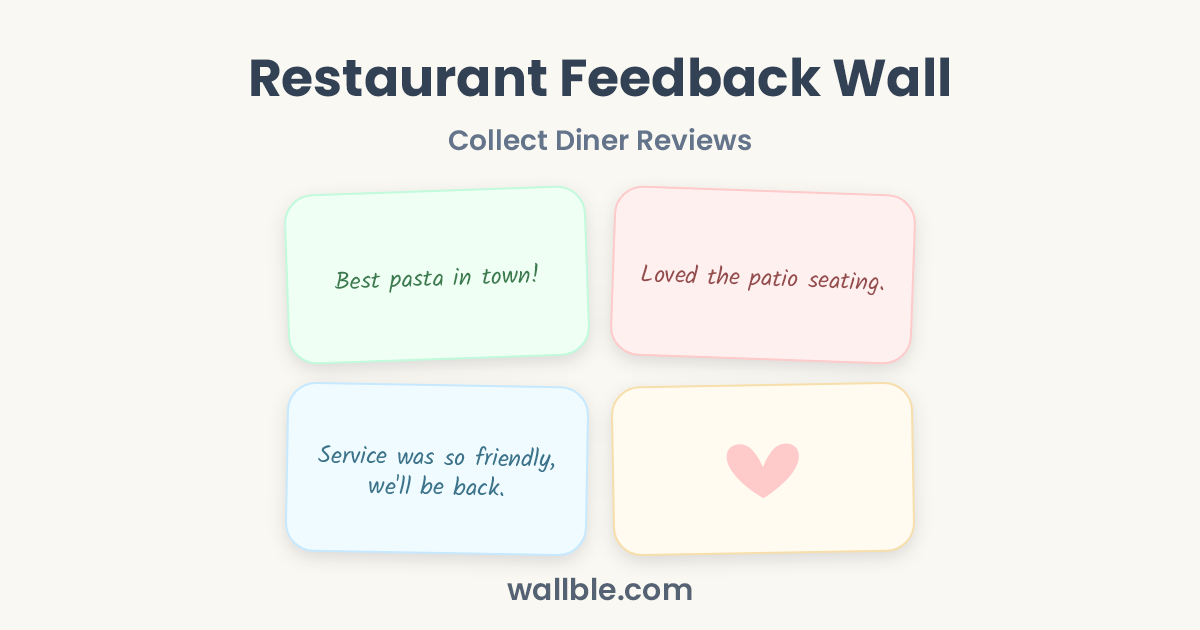
Best pasta in town! 🍝
Loved the patio seating.
Service was so friendly, we'll be back.
What can diners write on a restaurant feedback wall
The reviews you want on display
- The lamb was cooked to perfection. We are already planning the next visit.
- Came for a quick bite, stayed two hours. The atmosphere does that.
- Ask for the chef's special. Trust me.
Prompts to get diners posting
- What dish should we never take off the menu?
- First visit? Tell us what surprised you.
- Post a photo of your table before it is empty :)
Why it beats review sites
The QR on the table catches guests at their happiest moment, not when they arrive home. Fresh photos and warm words land on a wall you control and can showcase, while private feedback stays on the wall instead of a public rating.
Why Use Wallble
-
Everyone Can Join Instantly
No sign-up and no app download required. Anyone with the link can post directly.
-
Express In Their Own Way
People can leave a heartfelt message, draw a funny doodle, capture a photo, or drop a voice note.
-
Memories That Don't Fade
Keeps memories forever, always there to revisit.
How Do I Create a Wall?
-
1
Create the Wall
Name your wall in seconds.
-
2
Share the Link or QR Code
Share the link via WhatsApp, Slack, email, or LinkedIn, download the QR code to display or print, or embed the wall on your website.
-
3
Collect Memories
Watch the wall fill up with messages without anyone needing to sign up.
Frequently asked questions
How do I create a wall?
Go to Wallble.com, name your wall, then share the link or download its QR code. Everyone can add messages, photos, doodles, and voice notes without signing up.
Do people need an account to post?
No. Anyone with the link can write a message, doodle, leave a photo, or record a voice note instantly without creating an account.
Can the wall be printed or saved?
Yes. Premium walls let you download all messages as a PDF to print, frame, or archive.
How much does it cost?
The Basic plan is free and holds up to 10 posts per wall. Premium is a one-time $9 upgrade for unlimited posts, a custom link, PDF download, and no Wallble branding.
What can people post?
Messages, photos, hand-drawn doodles, and voice notes. Everything appears together on one shared wall.
Simple pricing
Premium
$9one-time!
- Unlimited wall posts
- Custom link
- Remove Wallble branding
- Download as PDF
Wall ideas
Group Thank You Card
One Card Everyone Signs
Digital Guest Book
Online Guest Book for Any Event
Wall of Love
Customer Testimonials on One Live Wall
Graduation Wall
Group Graduation Card Everyone Signs
Browse all wall ideas
Life Events
Education
Events & Business
- Group Thank You Card
- Digital Guest Book
- Restaurant Feedback Wall
- Wall of Love