Audio Guest Book
Print one QR sign, place it on the table, and guests scan to leave a voice message. No rental or return date. The fastest way to set up a wedding audio guest book or a phone guest book for events like weddings.
Create Your WallAudio Guest Book examples
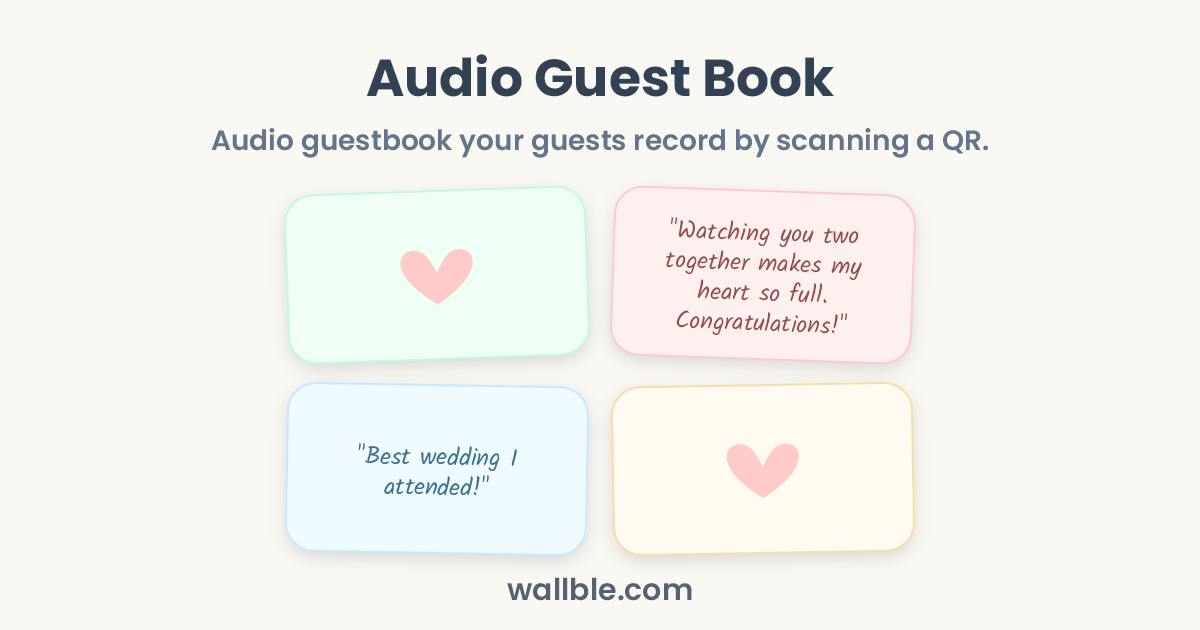
🎙️ "Watching you two together makes my heart so full. Congratulations!"
🎙️ "Best wedding I attended!"
What guests can say in an audio guest book
How voice is different
A written kind message is lovely. Hearing your grandmother laugh in the middle of her message is something else entirely.
Prompts to get great recordings
- Tell us your favorite memory with the couple.
- Give the newlyweds one piece of advice in thirty seconds.
- Describe tonight in three words, then explain them.
How it works at the venue
Guests scan the QR code on their table, tap record, and speak. No physical phone, no app, no account. The recordings land on your wall next to written messages and photos, ready to replay for years. Design your QR free with the free wedding QR tool.
Why Use Wallble
-
Everyone Can Join Instantly
No sign-up and no app download required. Anyone with the link can post directly.
-
Express In Their Own Way
People can leave a heartfelt message, draw a funny doodle, capture a photo, or drop a voice note.
-
Memories That Don't Fade
Keeps memories forever, always there to revisit.
How Do I Create a Wall?
-
1
Create the Wall
Name your wall in seconds.
-
2
Share the Link or QR Code
Share the link via WhatsApp, Slack, email, or LinkedIn, download the QR code to display or print, or embed the wall on your website.
-
3
Collect Memories
Watch the wall fill up with messages without anyone needing to sign up.
Wallble vs Group Chat vs Physical Card
How Wallble compares to the alternatives people typically use for farewells and celebrations.
| Wallble | Group Chat | Physical Card | |
|---|---|---|---|
| Everyone can join remotely | Yes | Yes | No |
| No signup required | Yes | No | Yes |
| Stays organized in one place | Yes | No | Yes |
| Permanent keepsake | Yes | No | Can get lost |
| Downloadable as PDF | Yes | No | No |
Frequently asked questions
How do I create a wall?
Go to Wallble.com, name your wall, then share the link or download its QR code. Everyone can add messages, photos, doodles, and voice notes without signing up.
Do people need an account to post?
No. Anyone with the link can write a message, doodle, leave a photo, or record a voice note instantly without creating an account.
Can the wall be printed or saved?
Yes. Premium walls let you download all messages as a PDF to print, frame, or archive.
How much does it cost?
The Basic plan is free and holds up to 10 posts per wall. Premium is a one-time $9 upgrade for unlimited posts, a custom link, PDF download, and no Wallble branding.
What can people post?
Messages, photos, hand-drawn doodles, and voice notes. Everything appears together on one shared wall.
Simple pricing
Premium
$9one-time!
- Unlimited wall posts
- Custom link
- Remove Wallble branding
- Download as PDF
Wall ideas
Graduation Wall
Group Graduation Card Everyone Signs
Get Well Soon Card
Group Get Well Card Everyone Signs
New Home Card
Group Housewarming Card Everyone Signs
Digital Wedding Guest Book
Guests Sign on Their Phone