Farewell Card and Guest Book for Google Meet
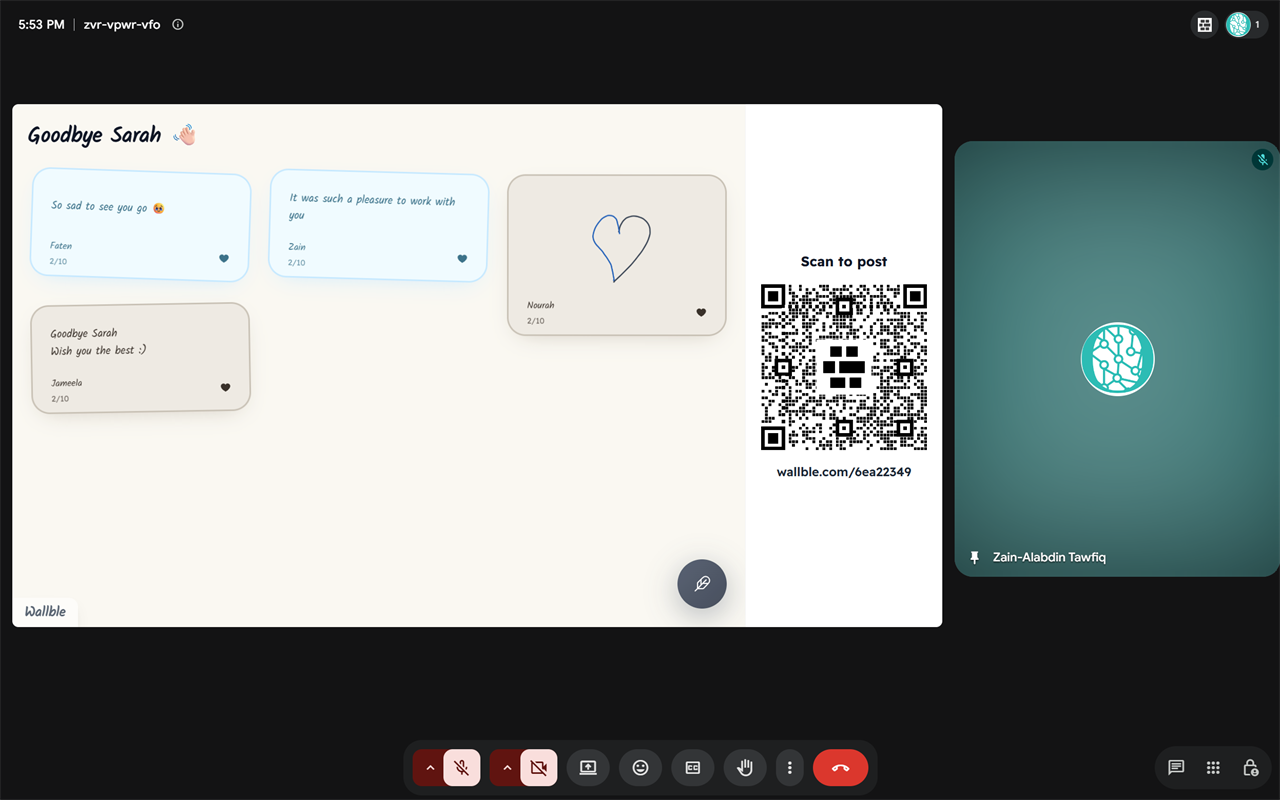
Show your wall to everyone in the call, with a QR code next to it. People post a message, doodle, photo or voice note from their phone.
How it works
- 01 Install Wallble from the Google Workspace Marketplace.
- 02 In a call, open Activities and choose Wallble.
- 03 Paste your wall link and click "Show to everyone".
Questions
- Do people need a Wallble account to post?
- No. They scan the QR code or open the wall link.
- Is it free?
- The add-on is free. Each account gets one free wall with up to 10 posts. Premium is $9 one-time per wall.
Need help? Contact support.